Overview
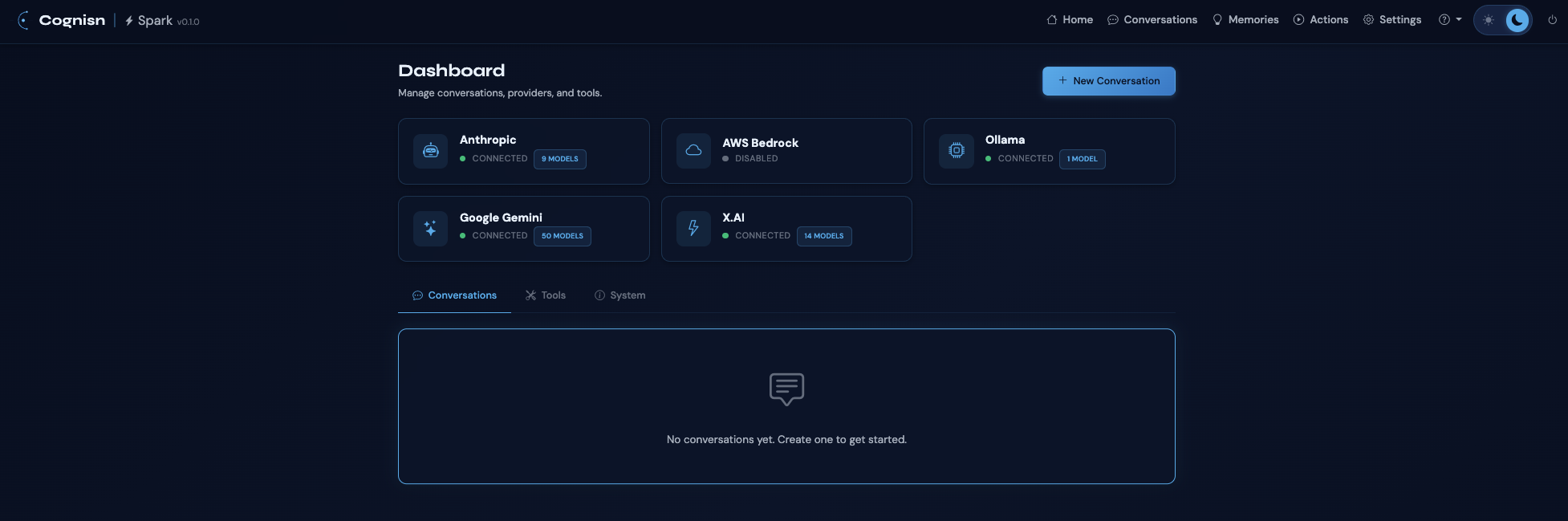
Spark is a personal AI research kit that brings together multiple LLM providers under a single, clean web interface. Rather than switching between different AI chat services, Spark lets you work with all of them in one place — with powerful additions like tool use, voice input, persistent memory, and scheduled autonomous actions.
It's built with security in mind: API keys are stored in your OS keychain (never in config files), tool usage requires explicit permission, and a prompt inspection system watches for potential threats. Spark is rated all A's by SonarCloud — zero bugs, zero vulnerabilities, zero security hotspots — and backed by 398 automated tests across 19 test files.
Supported Providers
- Anthropic — Claude models with prompt caching support and cache stats display
- AWS Bedrock — Claude and other foundation models via AWS
- Google Gemini — Dynamic model discovery from the Gemini API
- Ollama — Local models with automatic model detection
- X.AI — Grok models via OpenAI-compatible API
All providers support dynamic model discovery with caching and static fallback, plus transient error retry with exponential backoff.
Features
Conversations
- Real-time token streaming via Server-Sent Events
- Intelligent context compaction with LLM-driven summarisation
- Conversation linking for shared context across conversations
- RAG retrieval from compacted history
- Per-conversation settings: model, instructions, RAG, compaction thresholds
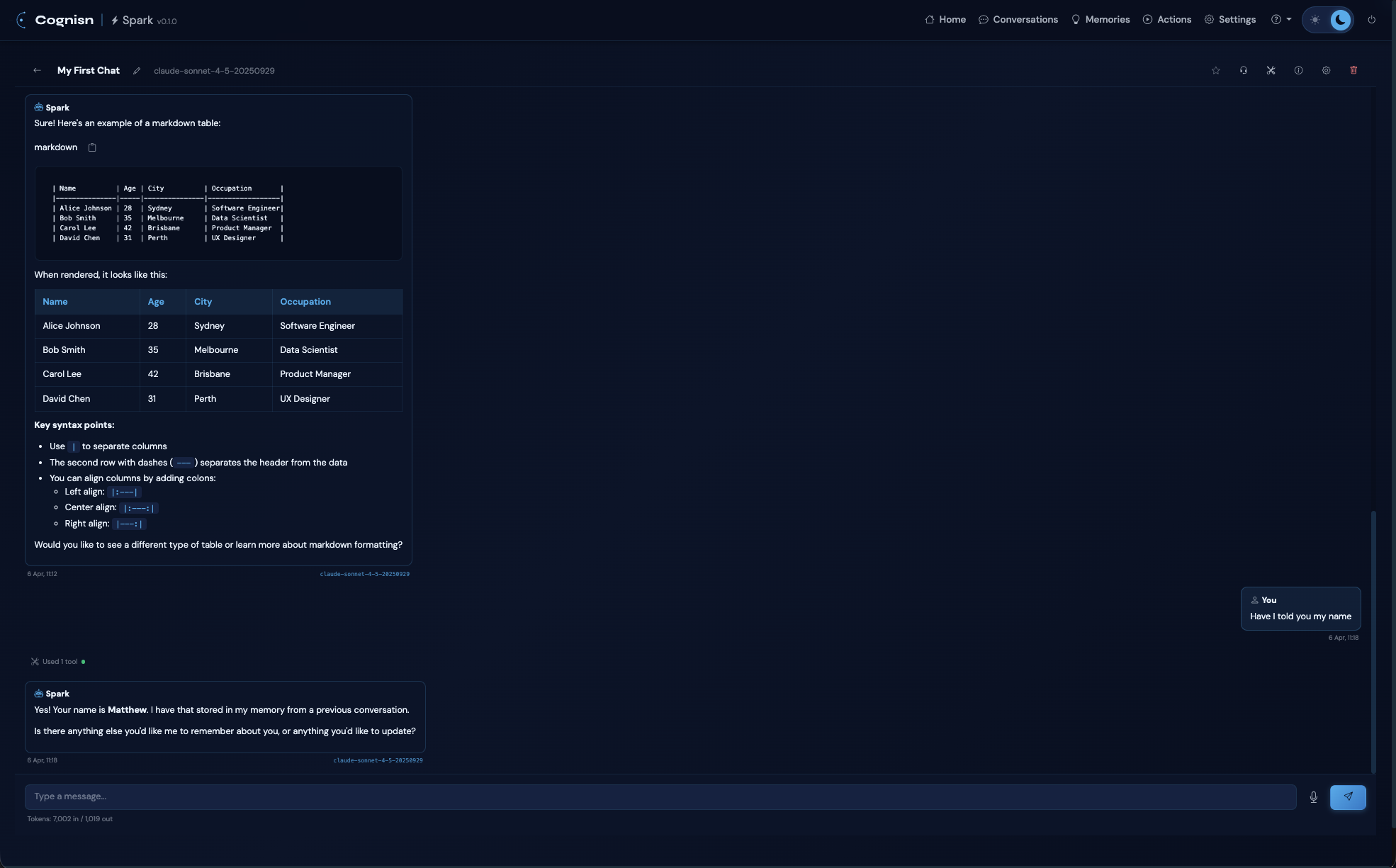
- Model badge on each response showing which model generated it
- Model selector modal with search, grouping by provider, and tool support indicators
- Favourites with star toggle
- Export as Markdown, HTML, CSV, or JSON
Tools & MCP Integration
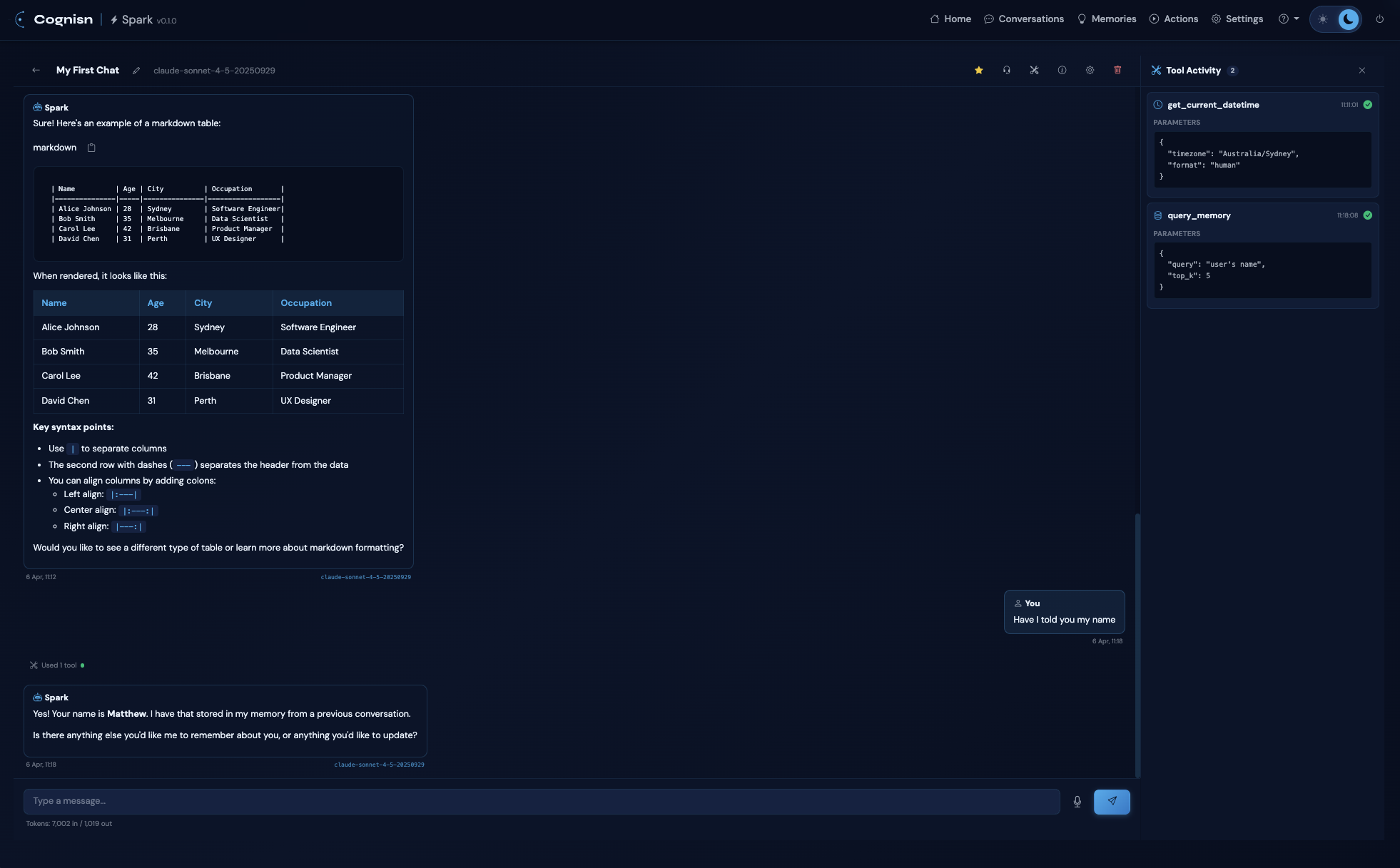
- Tool Activity Sidecar Panel — dedicated right-side panel for tool calls with timestamps, expandable parameters and results
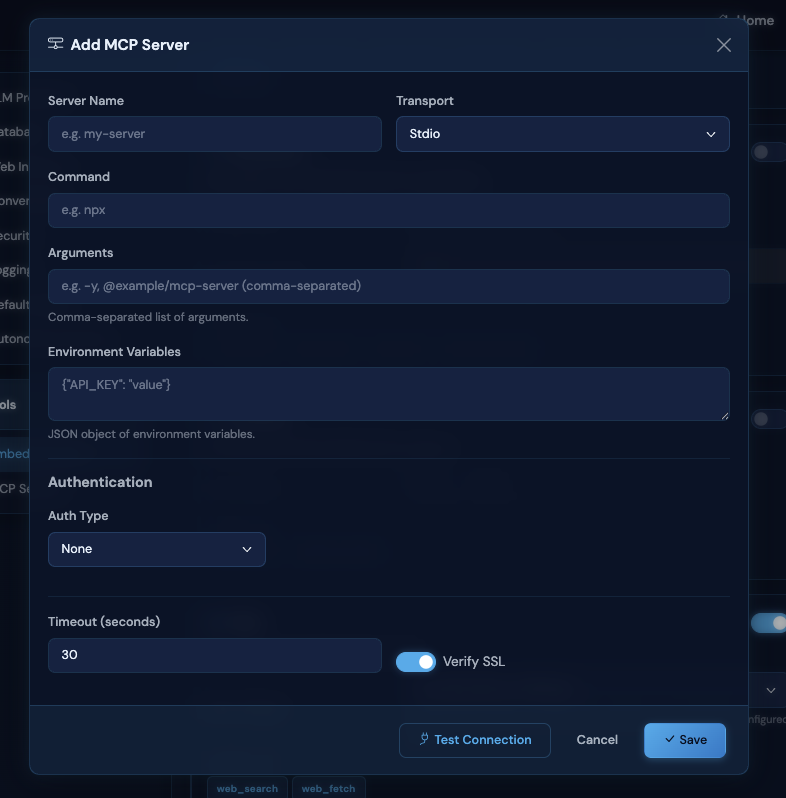
- Full Model Context Protocol support via stdio, HTTP streamable, and SSE transports with hot-reload
- Built-in tools: filesystem (read/write), documents (Word, Excel, PDF, PowerPoint), archives (ZIP, TAR), web search/fetch, datetime
- Web search engines: DuckDuckGo (default, no API key), Brave Search, Google (SerpAPI), Bing (Azure), SearXNG (self-hosted)
- 22 built-in tool documentation files with a
get_tool_documentationtool for LLM self-reference - Per-conversation tool enable/disable for embedded and MCP tools
- Tool permission system with Allow Once, Always Allow, and Deny
- Category-based approval (approving web_search also approves web_fetch)
Voice
- Speech-to-text input — mic button for manual dictation
- Voice Conversation Mode — full hands-free operation via headset button
- Auto-send after 1.5 second silence, TTS reads the response, then auto-resumes listening
- Voice selector dropdown with all available browser TTS voices (persisted)
Persistent Memory
- Semantic vector search via sentence-transformers embeddings
- Categories: facts, preferences, projects, instructions, relationships
- Auto-retrieval of relevant memories injected into conversation context
- Proactive memory storage when you share information
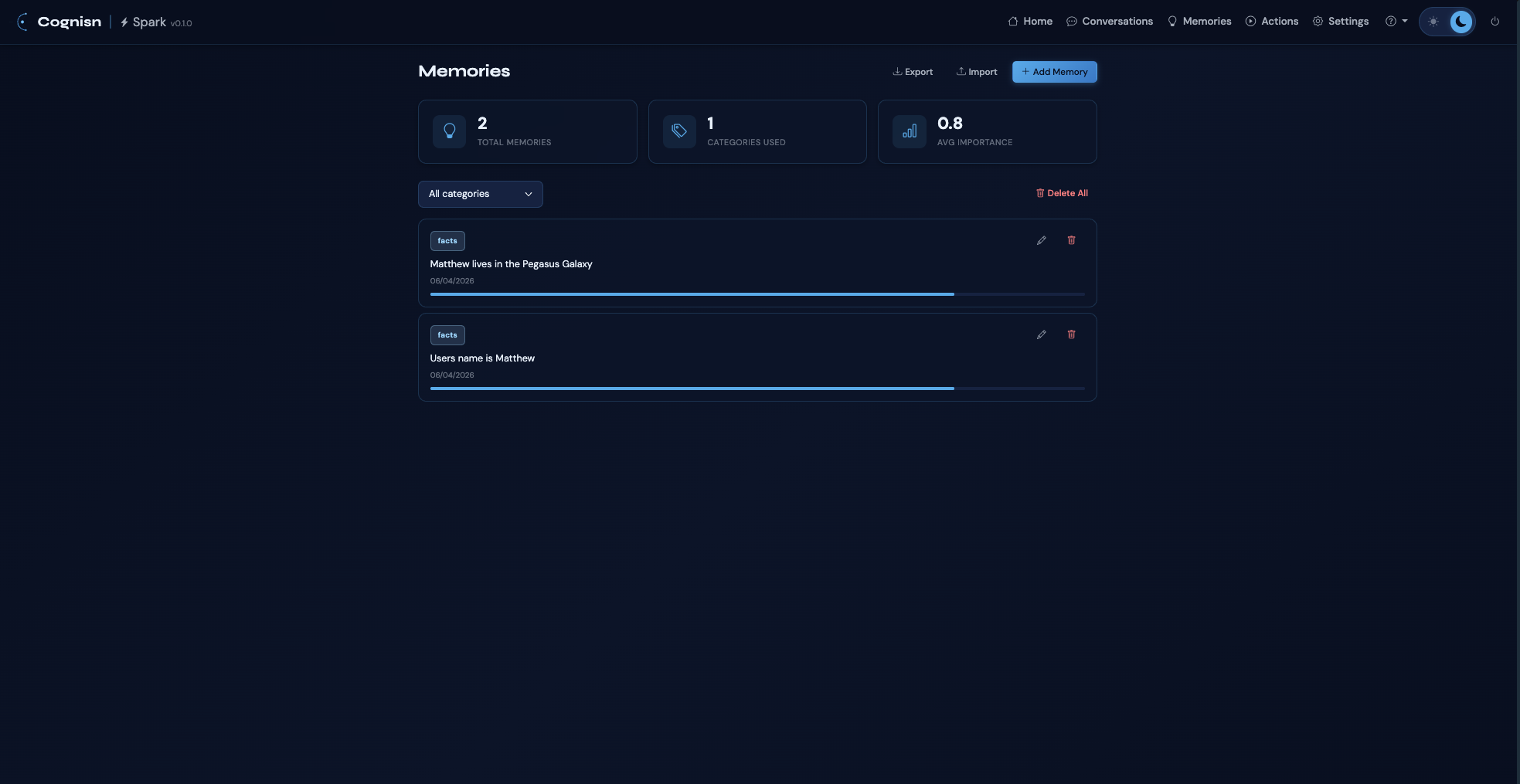
- Memory management page with stats, edit, delete, and bulk delete
- Import/export as JSON
Autonomous Actions
- Scheduled AI tasks with cron or one-off schedules
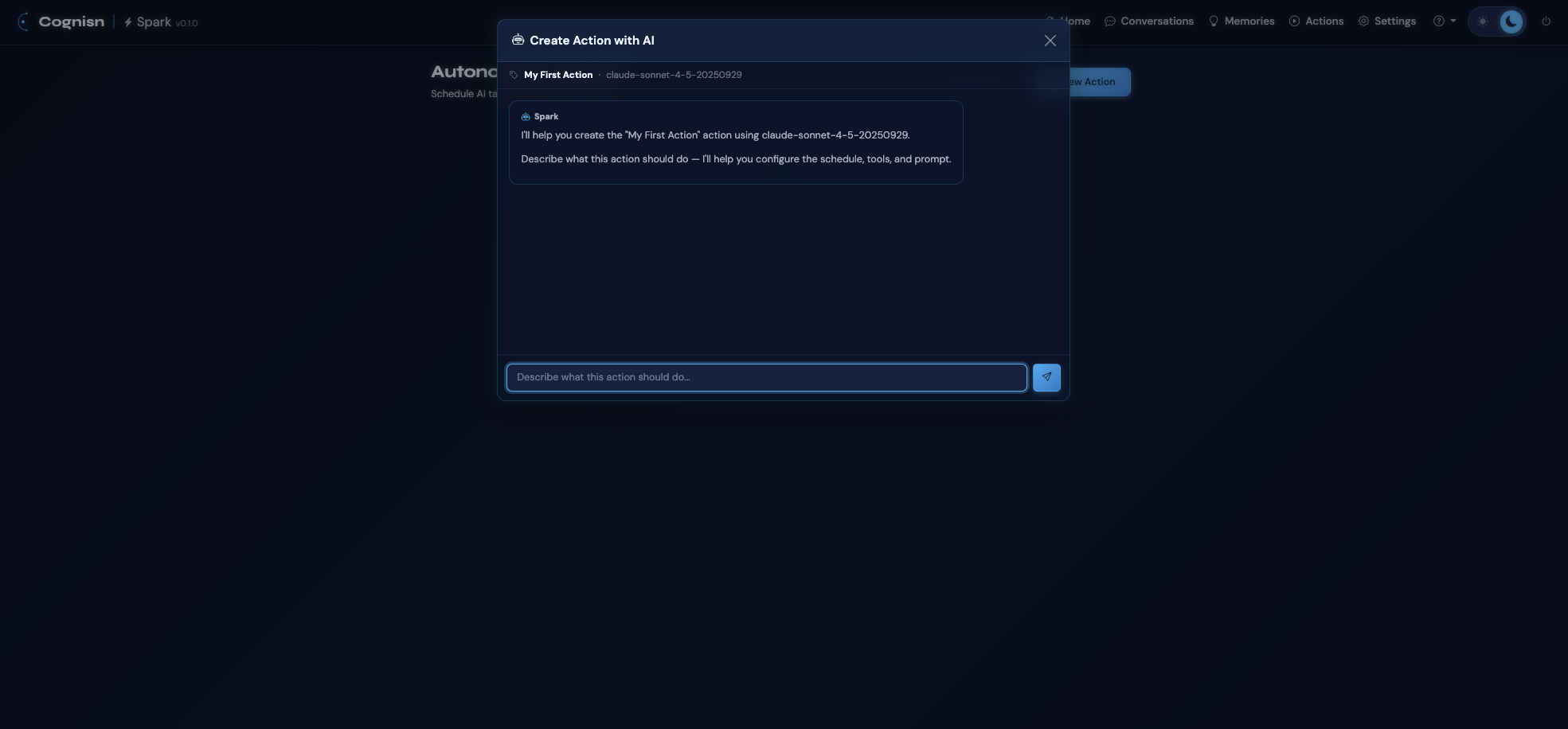
- AI-assisted action creation — describe what you want, Spark builds it
- Context modes: fresh (clean each run) or cumulative (previous results in prompt)
- Failure tracking with auto-disable after threshold
- Run history with status, results, and token usage
- System tray daemon with stats polling (macOS, Windows)
Web Interface
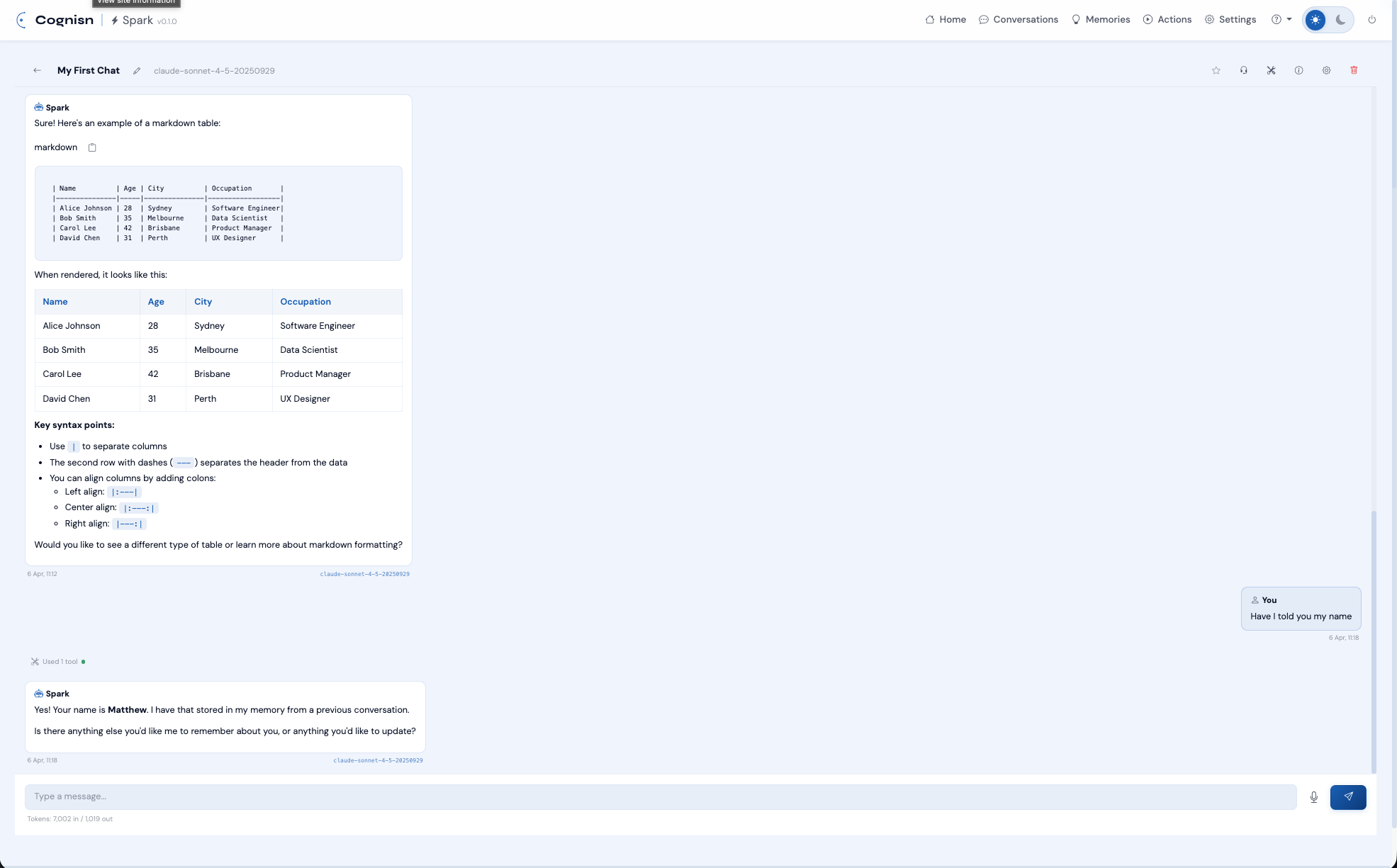
- Cognisn design system (Bootstrap 5.3, dark/light theme with persistence)
- Dashboard with provider status cards and clickable provider models modal
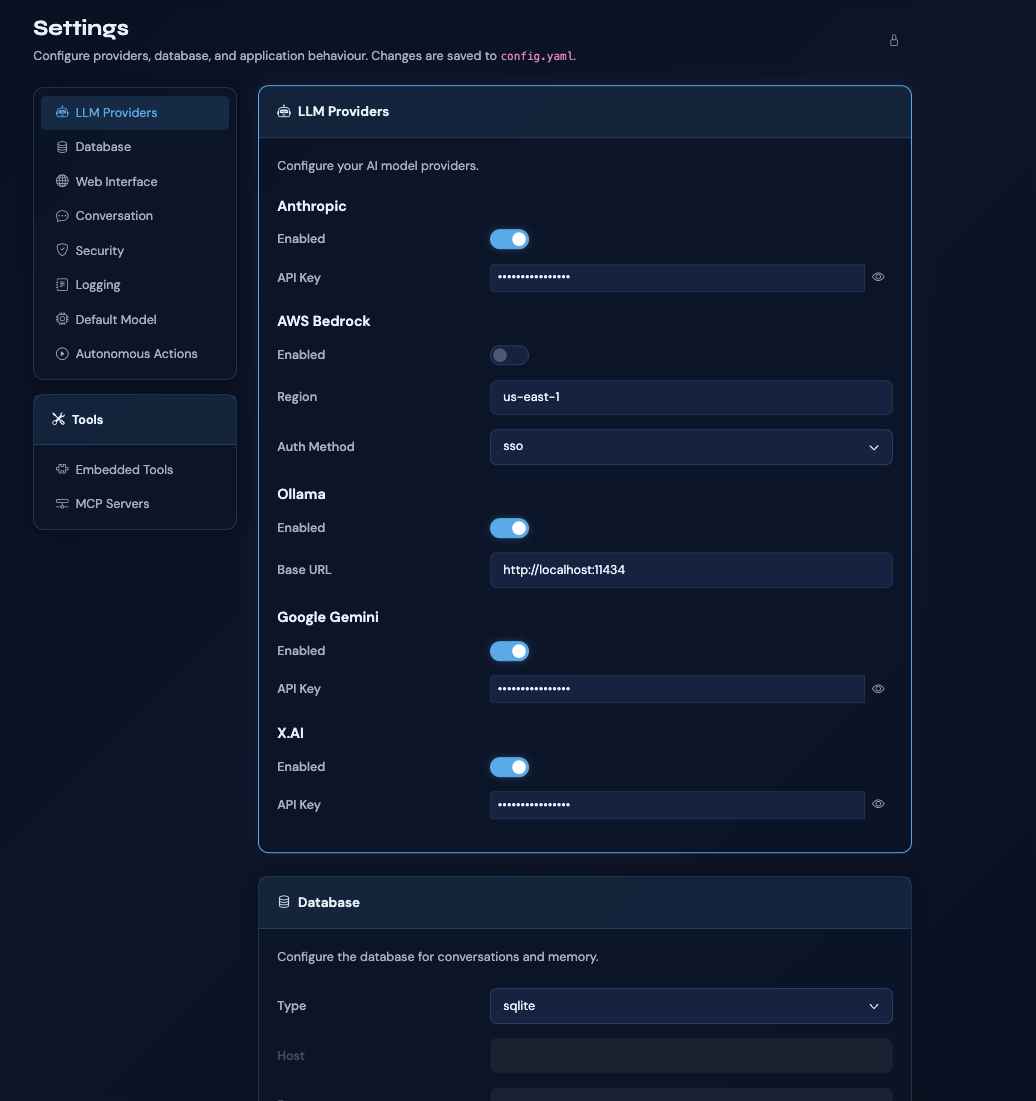
- Settings page with providers, database, interface, conversation, security, tools, and MCP configuration
- Global system instructions
- Settings lock with password protection
- Built-in searchable user guide
- Auto-update checker with rendered release notes and download link
Security
- API keys stored in OS keychain via Konfig — never in config files
- Prompt inspection with pattern matching (injection, jailbreak, PII detection)
- Configurable security levels: basic, standard, or strict
- Configurable actions: block, warn, or log only
- Session-based authentication with HTTPOnly, SameSite, Secure cookies
- Per-conversation, per-tool permission system
Database
- SQLite (default), MySQL, PostgreSQL, and MSSQL
- Idempotent schema with automatic migrations
Screenshots
Download & Install
Spark ships with pre-built installers that include a bundled Python runtime — no dependencies required. Available as a signed DMG for macOS (ARM64 and Intel), an NSIS installer for Windows, and via pip for Linux. Alternatively, install from PyPI on any platform if you prefer to manage your own Python environment.
Getting Started
Launch Spark with a single command:
sparkOn first run, Spark will create a configuration file, start a web server on a random available port, and open your browser for initial setup. From there, configure your LLM providers and start chatting.
Configuration Locations
- macOS:
~/Library/Application Support/spark/ - Linux:
~/.config/spark/ - Windows:
%APPDATA%/spark/
Keyboard Shortcuts
Ctrl/Cmd + K— Go to ConversationsCtrl/Cmd + N— New ConversationCtrl/Cmd + ,— Open SettingsEnter— Send messageShift + Enter— New line
Architecture
Spark is built on FastAPI with a Bootstrap 5 frontend using the Cognisn design system. The backend manages conversation context with compaction and memory retrieval, routes requests to LLM providers, and orchestrates MCP servers and built-in tools. Settings and secrets management is handled by Konfig.
Supports SQLite (default), MySQL, PostgreSQL, and MSSQL with idempotent schema and automatic migrations. macOS installers are signed and notarized. Distributed via PyApp with a Cognisn fork splash screen.
Documentation
Spark includes 16 comprehensive built-in docs (with Mermaid diagrams) covering installation, configuration, providers, conversations, tools, MCP, memory, actions, voice, web search, security, auto-update, architecture, development, and API reference. A searchable user guide is also accessible directly from within the application.
Licence
MIT Licence with Commons Clause — free for personal and educational use. Commercial use requires a licence from the author.