After months of late nights, weekend coding sessions, and way too many alpha builds — Spark v0.1.0 is here. The first production release of a project that started as "what if I could talk to every AI model from one place?" and turned into something significantly more ambitious.
Let me walk you through what made the cut.
What is Spark?
Spark is a personal AI research kit — a web-based interface that brings together Claude, Gemini, Grok, Llama, Mistral, and more under one roof. But it's not just a chat wrapper. It's got tool use, voice input, persistent memory, scheduled autonomous actions, and a security layer that would make my day-job self proud.
Think of it as your personal AI workbench. Install it, point it at your providers, and go.
Five Providers, One Interface
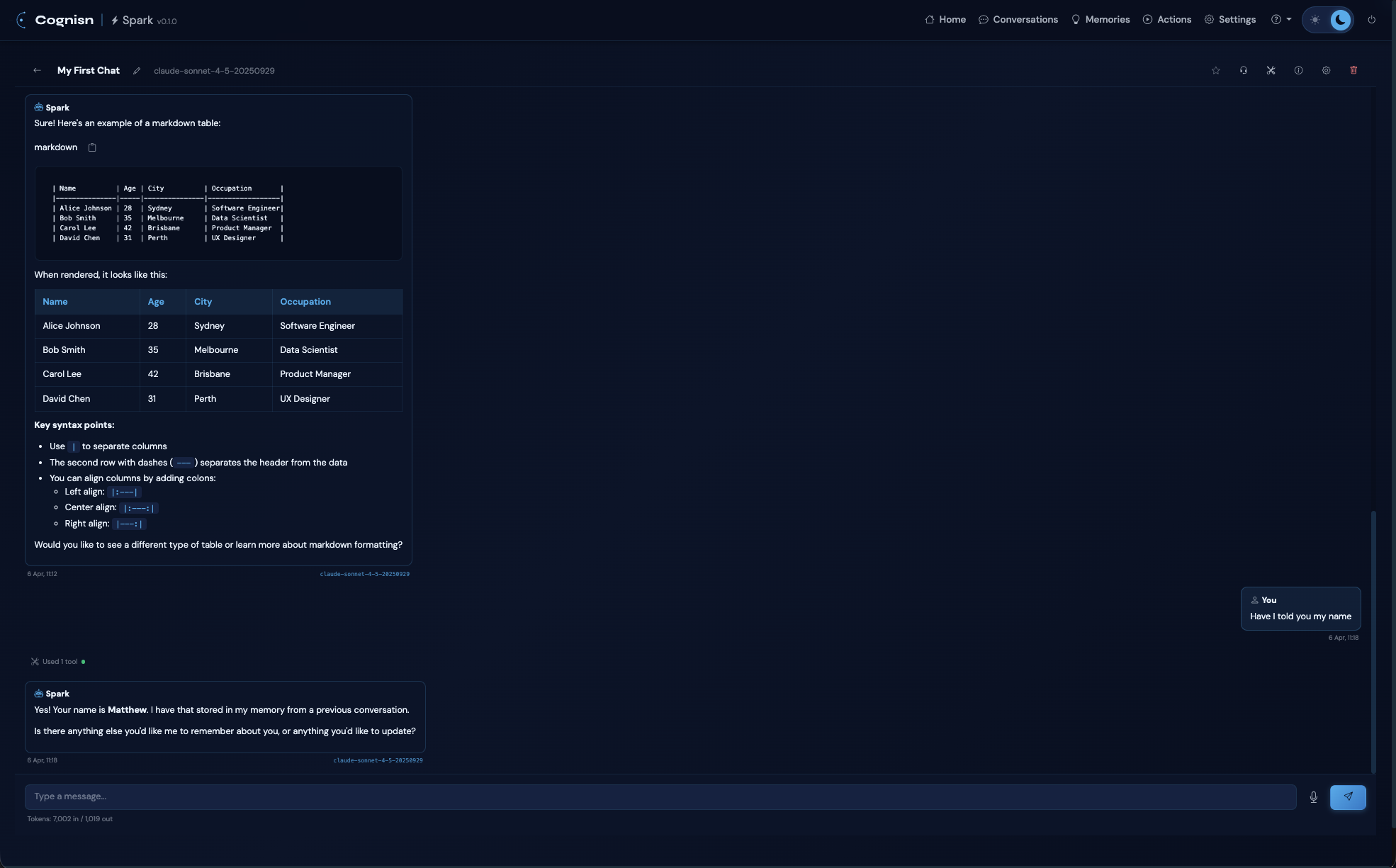
Spark supports Anthropic (with prompt caching), AWS Bedrock, Google Gemini, Ollama for local models, and X.AI for Grok. All with dynamic model discovery — Spark queries each provider's API to find what's available, caches the results, and falls back to static lists if the API is down.
Switch between models mid-conversation with a search-enabled model selector that groups by provider and shows which models support tool use.
Tools That Actually Do Things
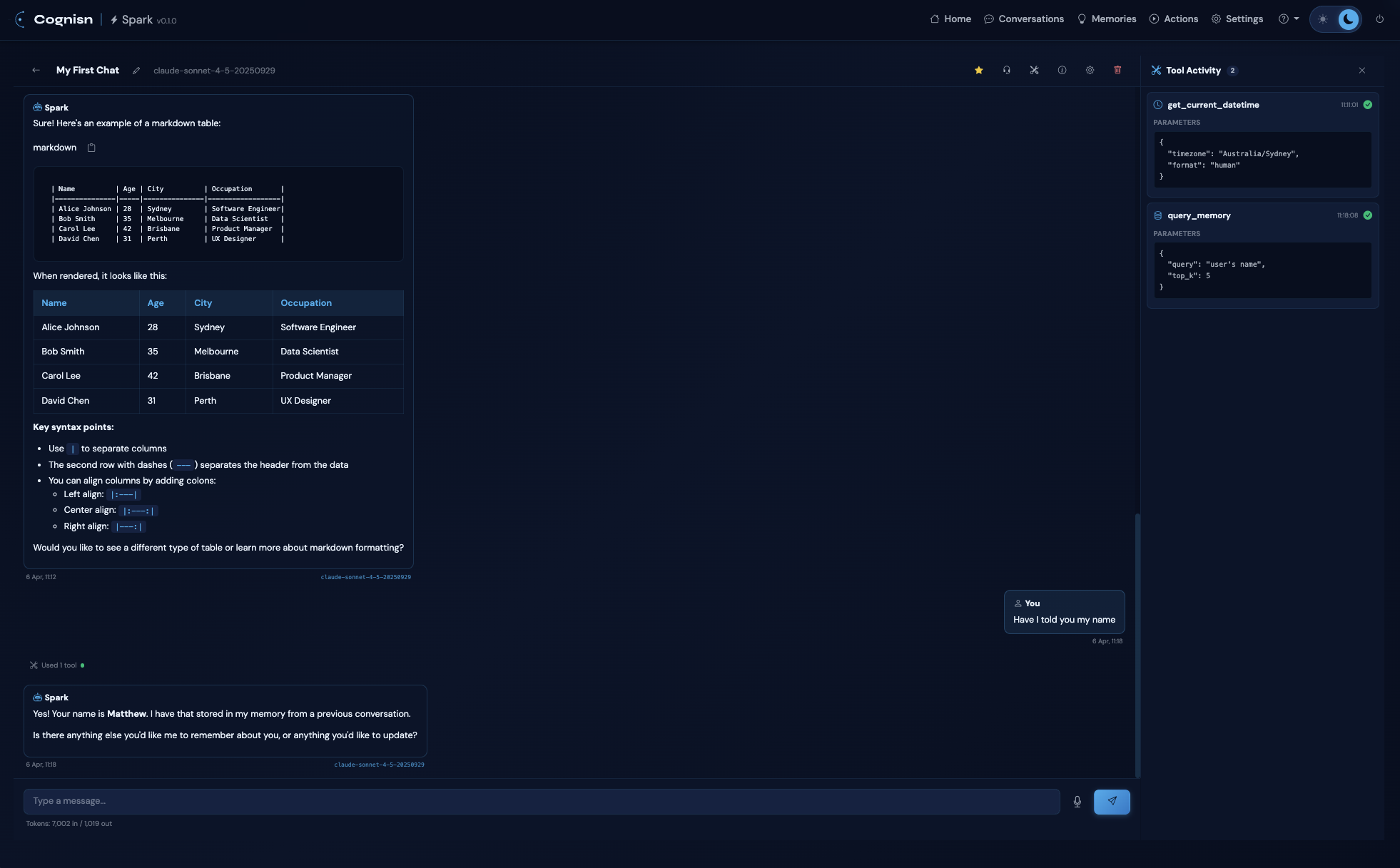
This is where it gets interesting. Spark has a Tool Activity Sidecar Panel — a dedicated right-side panel that shows every tool call with timestamps, expandable parameters, and full results.
Built-in tools cover filesystem (read/write), documents (Word, Excel, PDF, PowerPoint), archives (ZIP, TAR), web search (DuckDuckGo, Brave, Google, Bing, or self-hosted SearXNG), and datetime operations.
And then there's MCP — full Model Context Protocol support via stdio, HTTP streamable, and SSE transports with hot-reload. Connect your own MCP servers and Spark picks up the tools automatically. Enable or disable tools per conversation, with a permission system that supports Allow Once, Always Allow, and Deny.
Voice — Hands-Free AI
This one surprised even me with how well it works. Spark has speech-to-text for dictating messages, but the real feature is Voice Conversation Mode — press the headset button and Spark listens, auto-sends after 1.5 seconds of silence, reads the response aloud via TTS, and then starts listening again. Full hands-free loop.
Pick your preferred voice from all available browser TTS voices, and the selection persists across sessions.
Memory That Sticks Around
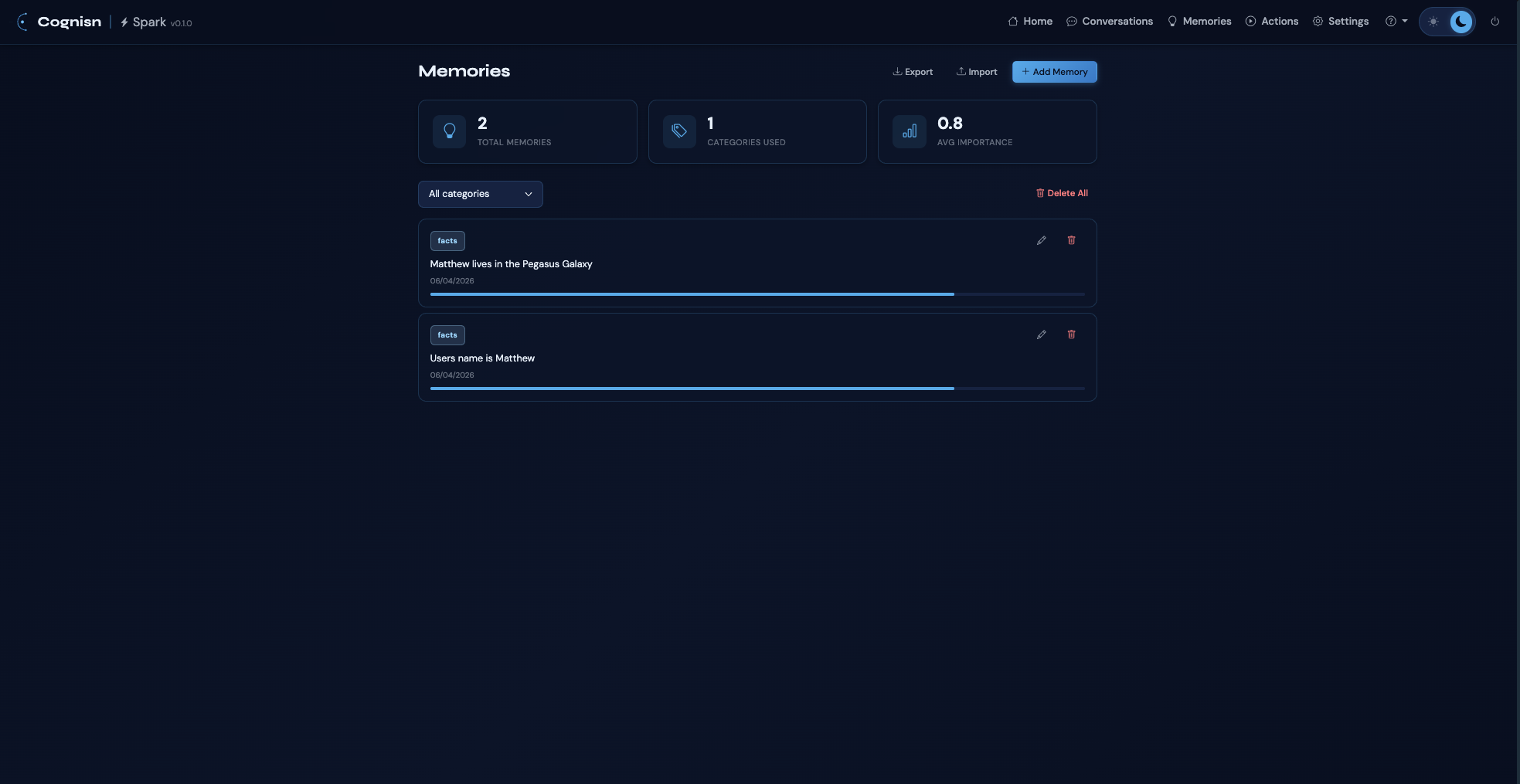
Spark remembers things — not just within a conversation, but across all of them. The memory system uses vector embeddings for semantic search, stores facts, preferences, project context, instructions, and relationships, and automatically injects relevant memories into new conversations.
Share something once, and Spark recalls it when it matters. You can also manage, edit, export, and bulk-delete memories from a dedicated management page.
Autonomous Actions
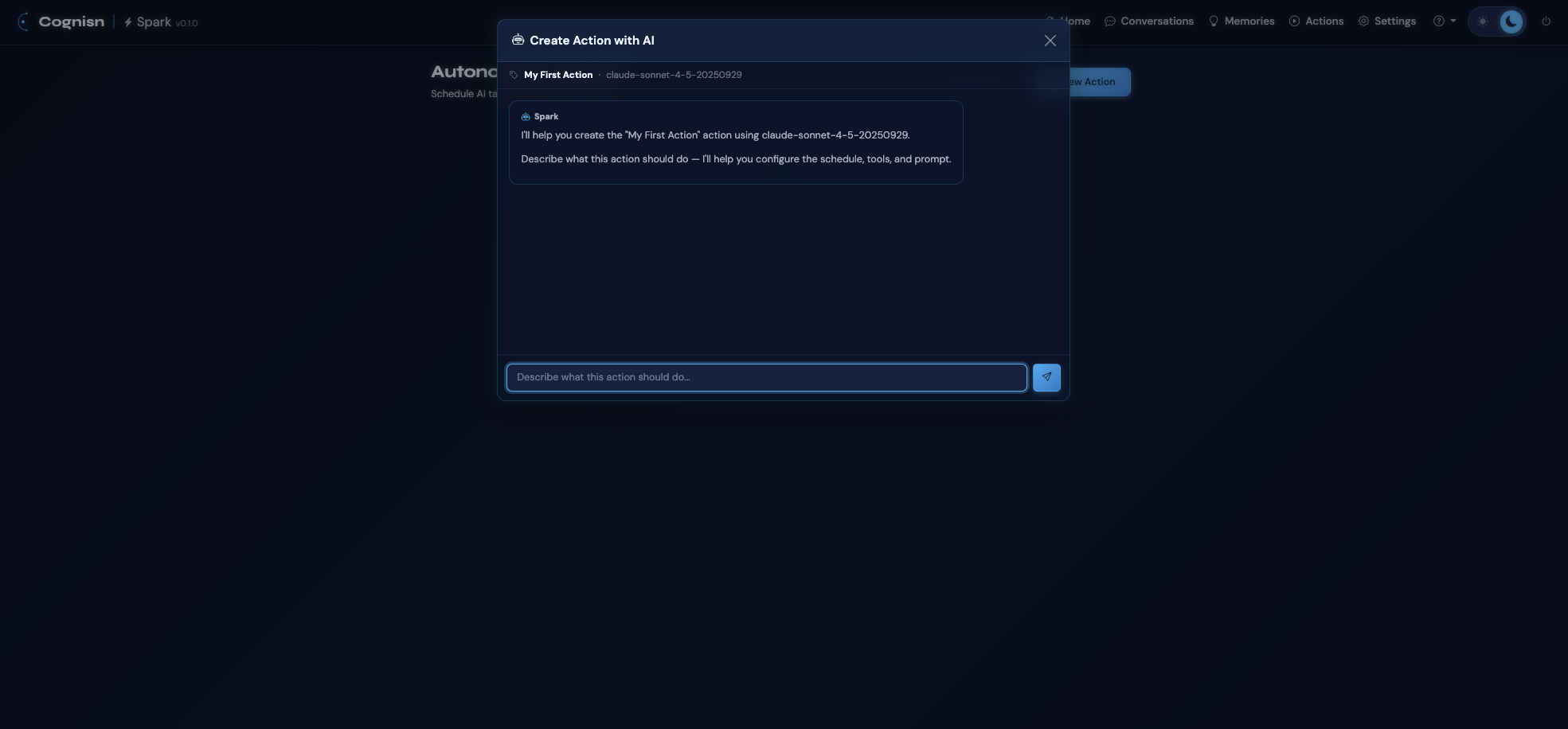
Schedule AI tasks to run on a cron schedule or as one-off executions. Describe what you want in plain language and Spark builds the action for you. Choose between fresh context (clean slate each run) or cumulative context (previous results fed into the next prompt).
There's failure tracking with auto-disable, full run history with token usage, and a system tray daemon for macOS and Windows that keeps the scheduler running in the background.
Built for Security
My cybersecurity background isn't just a footnote here — it shaped how Spark handles sensitive data:
- API keys are stored in your OS keychain (macOS Keychain, Windows Credential Locker) via Konfig — never in config files
- Prompt inspection with pattern matching catches injection attempts, jailbreaks, and PII leaks
- Configurable security levels (basic, standard, strict) with actions that block, warn, or log
- Session authentication with HTTPOnly, SameSite, Secure cookies
- Password-protectable settings page
SonarCloud gives it all A ratings — zero bugs, zero vulnerabilities, zero security hotspots. Backed by 398 automated tests across 19 test files, running CI on Ubuntu, macOS, and Windows.
Get It
Spark ships with pre-built installers (bundled Python runtime, no dependencies):
- macOS — signed and notarised DMGs for Apple Silicon and Intel
- Windows — NSIS installer
- Linux — pip install
Or install from PyPI: pip install cognisn-spark
Head over to the Spark project page for downloads, full feature breakdown, and screenshots.
What's Next
This is v0.1.0 — the foundation. There's a lot more I want to build on top of this: more providers, richer tool integrations, and features I haven't even thought of yet. If you try it out, I'd genuinely love to hear what you think — what works, what doesn't, what you'd want to see next.
Find me on LinkedIn, open an issue on GitHub, or just email me.
Thanks for reading — and happy sparking.
Comments & Reactions